What was the document? – User Manual Overview
As part of my role, I authored a 72 page-comprehensive user manual for a proprietary Human Resource Information System (HRIS) used within our organization. The guide was designed to support HR staff and employees in navigating the system’s core functions—such as employee data management, leave tracking, and payroll processing. While I’m unable to share the full document due to company confidentiality, this project reflects my ability to translate complex workflows into clear, user-friendly documentation tailored to real-world needs.
What was the Project Summary?
| Category | Details |
|---|---|
| Role | Technical Writer |
| Project | Human Resource Information System (HRIS) User Manual |
| Project Type | Software User Documentation |
| Audience | HR Administrators, HR Staff, Managers, and Employees |
| Manual Lenght | 72 pages |
| Platforms | Desktop and Mobile Applications |
| Documentation Scope | User Manual, Step-by-Step Procedures, Annotated Screenshots, Table of Contents, Glossary, Legends, Callouts, and Visual Guides |
| Documentation Approach | Plain English, Task-Based Writing, User-Centered Documentation, Technical Writing Standards |
| SME Collaboration | Worked closely with the Senior Web Developer to verify workflows and ensure technical accuracy. |
| Documentation Deliverables | HRIS User Manual, PDF Version, Microsoft PowerPoint Version, Annotated Screenshots, Animated GIF Tutorials |
| Tools Used | Microsoft Word, LibreOffice Writer, Google Docs, Adobe Acrobat, Snagit, ScreenToGif, Figma, Canva, Microsoft PowerPoint, Microsoft Teams, iLovePDF |
| Confidentiality | Documentation samples have been intentionally redacted and blurred to protect proprietary information and respect client confidentiality. |
What are the Challenges Solved?
| Challenge | How I Addressed It |
|---|---|
| Supporting multiple platforms | Translated complex Developed user manuals covering both the desktop and mobile versions of the HRIS while accounting for differences in navigation and user interface.. |
| Simplifying complex HR workflows | Translated multi-step HR processes into clear, task-based procedures that users with varying technical experience could easily follow. |
| Improving information accessibility | Organized the manual with a logical table of contents, headings, glossary, and navigation aids, enabling users to quickly locate relevant information. |
| Reducing user confusion | Used Plain English, logical content organization, and step-by-step procedures to simplify software navigation. |
| Enhancing visual learning | Incorporated annotated screenshots, callouts, and visual cues to improve comprehension and reduce user confusion. |
| Maintaining documentation consistency | Standardized terminology, formatting, writing style, and visual elements throughout the manual to provide a consistent user experience. |
| Keeping documentation current | Revised the manual to reflect software enhancements, interface updates, and changes to HR workflows. |
| Reducing reliance on verbal assistance | Produced comprehensive self-service documentation that enabled users to complete common HR tasks independently. |
What was the HRIS Manual Scope?
| Category | Scope |
|---|---|
| 📁 Core HR |
• Employee Records • Employee Profiles • Organizational Directory |
| ⏰ Time Management |
• Attendance • Leave Management • Holiday Calendar |
| 💰 Payroll |
• Payslip Viewing • Payroll Calculation • Payroll Overview |
| 👤 Employee Self-Service |
• Profile Updates • Password Management • Notifications |
| ⚙️ Administration |
• Search and Filters • Reports • User Settings |
| 💻 Cross-Platform Support |
• Desktop Interface • Mobile Interface |
| 📚 Documentation Components |
• Table of Contents • About the HRIS Manual • About the Organization • Intended Audience • Purpose and Scope • Prerequisites • Glossary of Terms • Legends (Icons, Color Codes, and Callout Types) • Step-by-Step Procedures • Annotated Screenshots • Tips, Notes, Warnings, and Important Callouts • Frequently Asked Questions (FAQ) • Contact or Support Information |
What were my contributions?
| Contribution | Description |
|---|---|
| 📋 Content Planning | Structured the user manual around the HRIS user interface and user experience, ensuring content was organized logically for easy navigation. |
| 📝 Process Documentation | Created task-based, step-by-step procedures for core HRIS functions across desktop and mobile platforms. |
| 🖼️ Visual Documentation | Designed annotated screenshots, callouts, and instructional visuals to improve clarity and user understanding. |
| 🛠️ Documentation Tools | Produced documentation using Microsoft Word, Google Docs, Adobe Acrobat (PDF), Snagit, ScreenToGif, Canva, Figma, and related documentation tools. |
| 🤝 SME Collaboration | Worked closely with the Senior Web Developer to validate software workflows, verify technical accuracy, and ensure documentation reflected the latest system functionality. |
| 🔄 Documentation Maintenance | Updated and revised the user manual to reflect software enhancements, interface improvements, and workflow changes. |
| 📄 Multi-format Publishing | Prepared documentation in multiple formats, including PDF and Microsoft PowerPoint, to support different user and training needs. |
What are the skills used?
| Skill Area | Competency | Application |
|---|---|---|
| ✍️ Writing | Technical Writing | Created clear, task-oriented documentation for desktop and mobile HRIS applications. |
| ✍️ Writing | Plain English Writing | Simplified technical concepts into concise, user-friendly instructions. |
| 📚 Information Design | Information Architecture | Organized content using logical sections, table of contents, glossary, legends, and consistent headings. |
| 📚 Information Design | Content Organization | Structured information for easy navigation and quick access to key procedures. |
| 📝 Documentation | Procedural Writing | Developed step-by-step guides for common HRIS tasks and workflows. |
| 🎨 Visual Design | Visual Communication | Created annotated screenshots, diagrams, callouts, and instructional visuals to improve usability. |
| 👥 User Experience | User-Centered Documentation | Produced documentation tailored to HR staff, managers, and employees. |
| 💻 Documentation | Cross-Platform Documentation | Documented both desktop and mobile interfaces while maintaining consistency. |
| 🤝 Collaboration | SME Collaboration | Worked closely with the Senior Web Developer to validate workflows and ensure technical accuracy. |
| 🔍 Quality | Editing & Proofreading | Reviewed documentation for clarity, grammar, consistency, and accuracy. |
| 📄 Publishing | Document Formatting | Applied consistent typography, tables, spacing, styles, and visual hierarchy throughout the manual. |
| ✅ Quality | Quality Assurance | Validated documentation against software updates and technical writing standards before publication. |
What are the tools used?
| Category | Tool | Purpose |
|---|---|---|
| 📝 Documentation & Authoring | Microsoft Word | Authored, formatted, and maintained the HRIS User Manual. |
| 📝 Documentation & Authoring | LibreOffice Writer | Created and edited documentation in OpenDocument format. |
| 📝 Documentation & Authoring | Google Docs | Drafted documentation and collaborated during document reviews. |
| 📝 Documentation & Authoring | Adobe Acrobat (PDF) | Reviewed, edited, and distributed documentation in PDF format. |
| 🎨 Visual Documentation | Snagit | Captured, edited, and annotated screenshots for instructional content. |
| 🎨 Visual Documentation | ScreenToGif | Created animated GIFs to demonstrate software workflows and user interactions. |
| 🎨 Visual Documentation | Figma | Designed diagrams, layouts, interface mockups, and visual assets. |
| 🎨 Visual Documentation | Canva | Created graphics, icons, and presentation-ready visual materials. |
| 🎨 Visual Documentation | Microsoft PowerPoint | Designed process diagrams, presentation slides, and training materials. |
| 📂 Document Management | iLovePDF | Compressed, merged, converted, and optimized PDF documents for distribution. |
| 🤝 Collaboration | Microsoft Teams | Collaborated with the Senior Web Developer and stakeholders to verify technical details and documentation accuracy. |
How did I approach the documentation? (How did I create the manual?)
I followed a structured, user-centered documentation process to create an HRIS manual that was accurate, easy to navigate, and accessible to users with varying levels of technical experience.
| Documentation Phase | Approach |
|---|---|
| 🔍 Research & Analysis | Analyzed the HRIS to understand its features, workflows, user interface, and intended users across both desktop and mobile platforms. |
| 📋 Scope Definition | Defined the documentation scope by identifying HRIS modules, user tasks, and procedures that required clear guidance. |
| 🤝 SME Collaboration | Worked closely with the Senior Web Developer (Project Lead) to verify system functionality, clarify technical requirements, and ensure documentation accurately reflected software behavior. |
| 🗂️ Information Architecture | Organized content using a logical structure that included a table of contents, glossary, legends, and a consistent heading hierarchy. |
| ✍️ Content Development | Applied Plain English principles and technical writing best practices to transform complex workflows into clear, concise, task-based instructions. |
| 🖼️ Visual Documentation | Captured and annotated screenshots to provide visual guidance while maintaining consistency throughout the manual. |
| 📖 Procedure Design | Developed step-by-step procedures that enabled users to complete common HR-related tasks independently. |
| 🎨 Document Standardization | Maintained consistency through standardized formatting, terminology, callouts, color coding, typography, and visual elements. |
| ✅ Review & Refinement | Reviewed and refined the documentation to improve clarity, usability, technical accuracy, and alignment with software updates before publication. |
What do the redacted samples demonstrate?
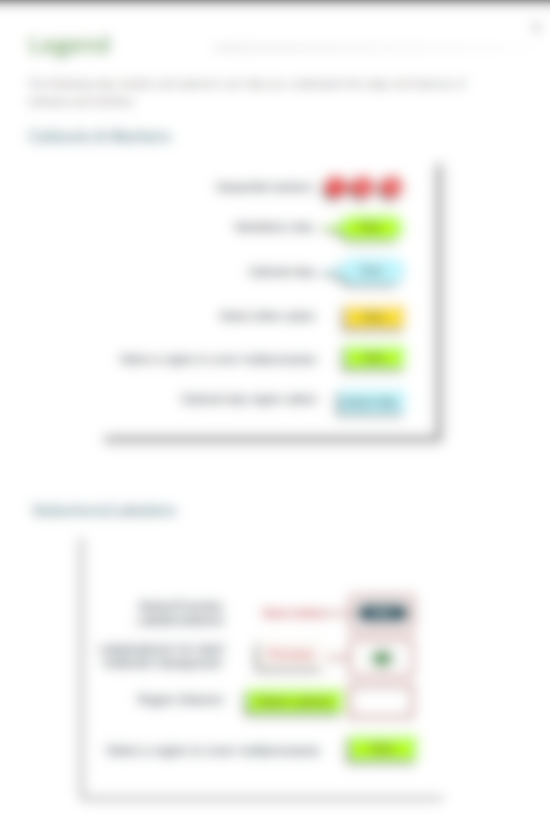
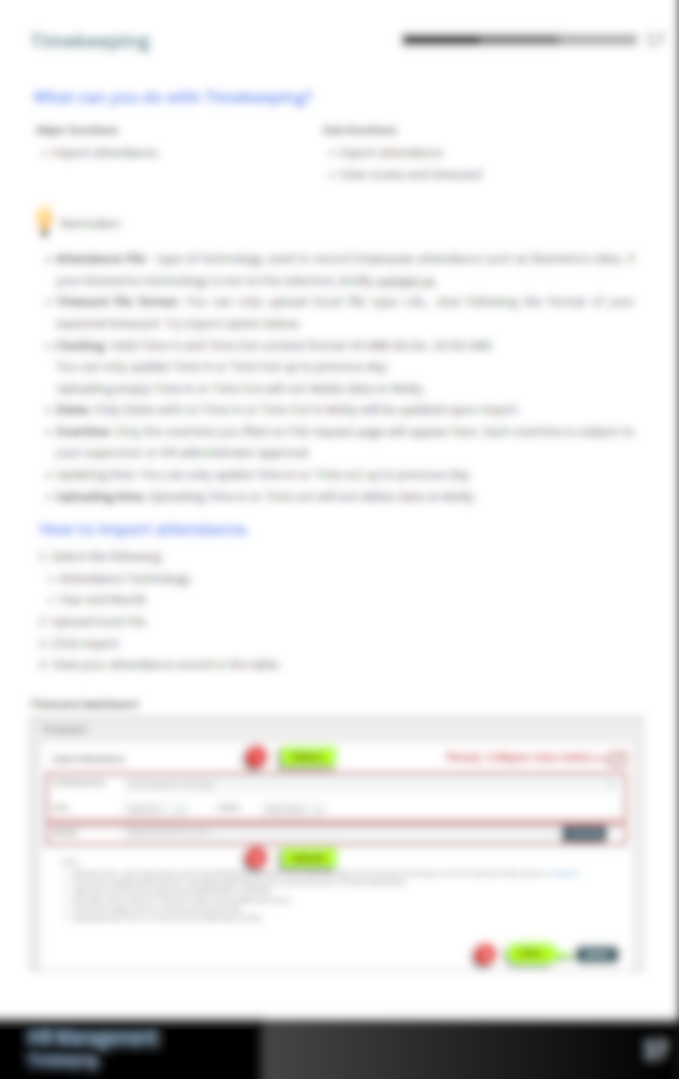
What is the Confidentiality Notice?
To respect client confidentiality and protect proprietary information, the documentation samples in this portfolio have been intentionally redacted and blurred. These excerpts are provided solely to demonstrate my technical writing, document organization, and visual communication skills without disclosing confidential information or proprietary system details.
What was the outcome of this Project?
| Project Outcome | Result |
|---|---|
| 📘 Comprehensive User Manual | Produced a structured HRIS User Manual covering core HR functions across both desktop and mobile platforms. |
| 👤 Improved User Self-Service | Enabled HR staff, managers, and employees to complete common HR tasks independently through clear, task-based documentation. |
| 📚 Standardized Documentation | Established consistent terminology, formatting, callouts, and visual design throughout the manual. |
| 🖼️ Enhanced User Understanding | Used annotated screenshots and instructional visuals to simplify complex software workflows. |
| 🔄 Maintainable Documentation | Maintained and revised documentation to reflect software enhancements, interface updates, and evolving HR procedures. |
| 🔒 Confidential Portfolio Samples | Prepared redacted documentation samples that demonstrate technical writing capabilities while protecting proprietary information. |